CPINFO20 Web Development
🤖 Module 2: APIs
In this module we will practice calling APIs.
When building a web application, you will most certainly need to call some APIs.
- API - Application Programming Interface
- REST - REpresentational State Transaction
💡Tip: You can either test the APIs with Chrome or wth Postman (download from the instructor).
1 OpenWeather ⛈ API
OpenWeather is service providing APIs providing weather forecasts.
The OpenWeather One Call API provides a 7 day weather forecast. The free account allows 1000 requests per day!
1.1 Sign up for OpenWeather API
- Go to https://home.openweathermap.org/users/sign_up and signup for a new account.
- Confirm your account with the email you received.
- Login to your account.
1.2 Call OpenWeather API
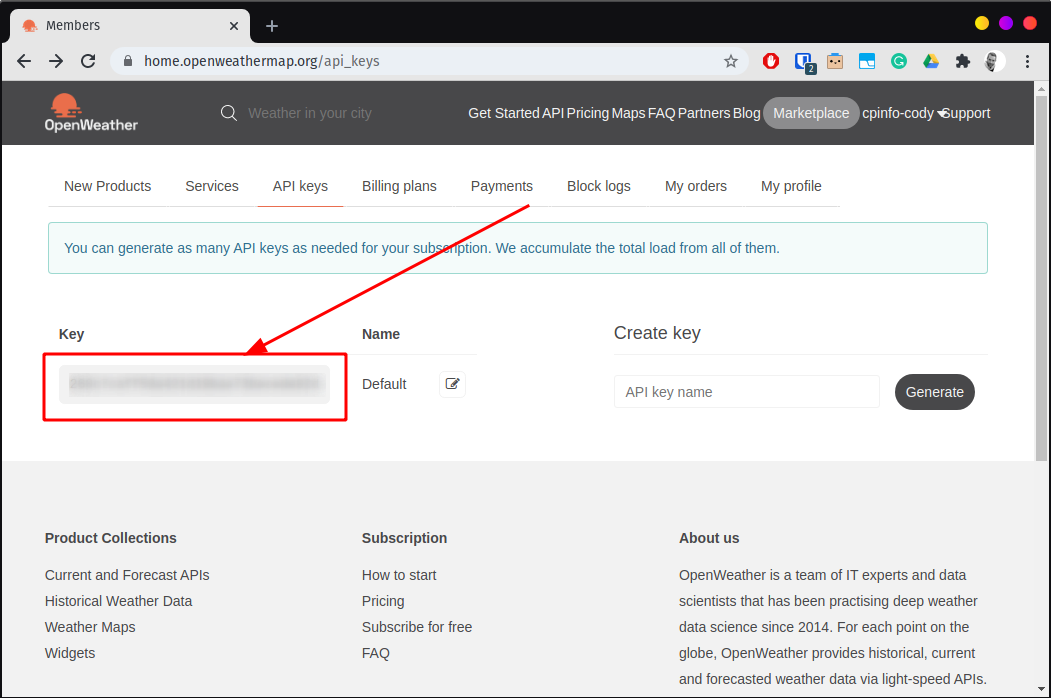
- Go to your API keys page and copy your default API key.
- Go the the One Call API documentation page and copy one of the sample API calls.
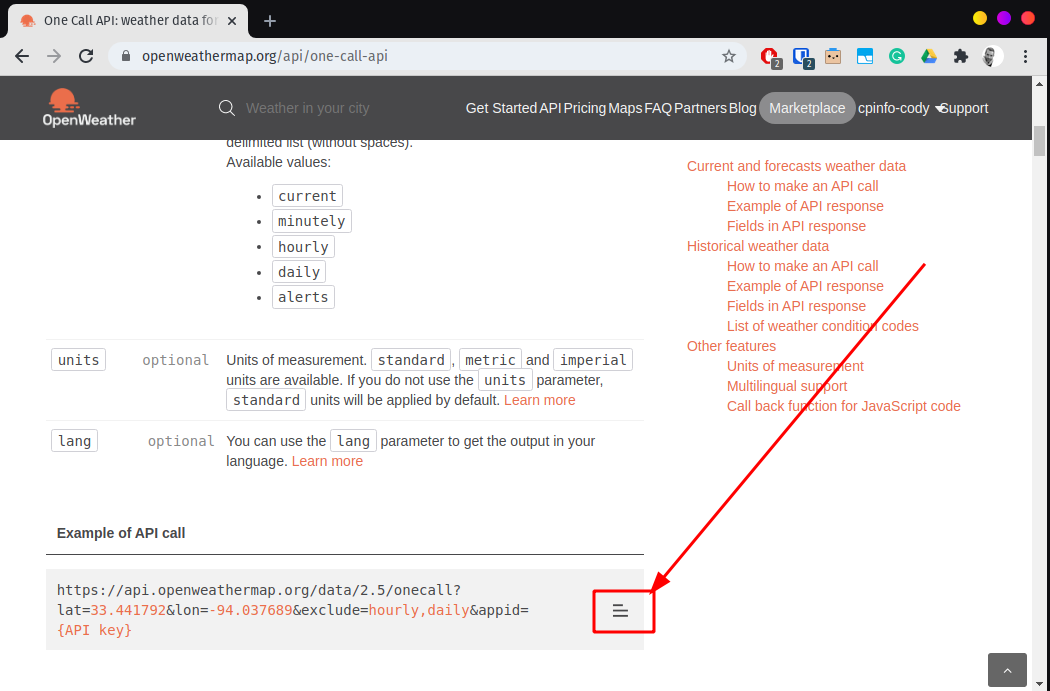
- Test the API call.
- In Chrome or Postman, replace
{API key}with the API key you copied in the previous step. - Add
&lang=fr&units=metricto the URL to format the data into French. - Remove the portion of the URL
&exclude=hourly,dailyto see all of the data. Thedailydata will be ideal to build our weather application. We could then add&exclude=minutely,hourlyto see only the daily and current data. - Annecy has a latitude of
45.89911and longitude of6.1287, update your request to get the weather for Annecy.
- In Chrome or Postman, replace
- Note your API key for later.
2 Here geocoding 🌐 API
The OpenWeather API accepts an exact latitude and longitude coordinate for the weather forecast. If we want to get the weather forecast for location, like Annecy or Lyon, we need a way to get the geographic latitude and longitude for locations. This is called geocoding.
Here offers several location tools, including a geocoding API. With their freemium plan we can make 250000 requests per month for free.
2.1 Sign up for Here
- Go to https://developer.here.com/sign-up?create=Freemium-Basic and signup a freemium account.
- Accept the conditions and click Start coding.
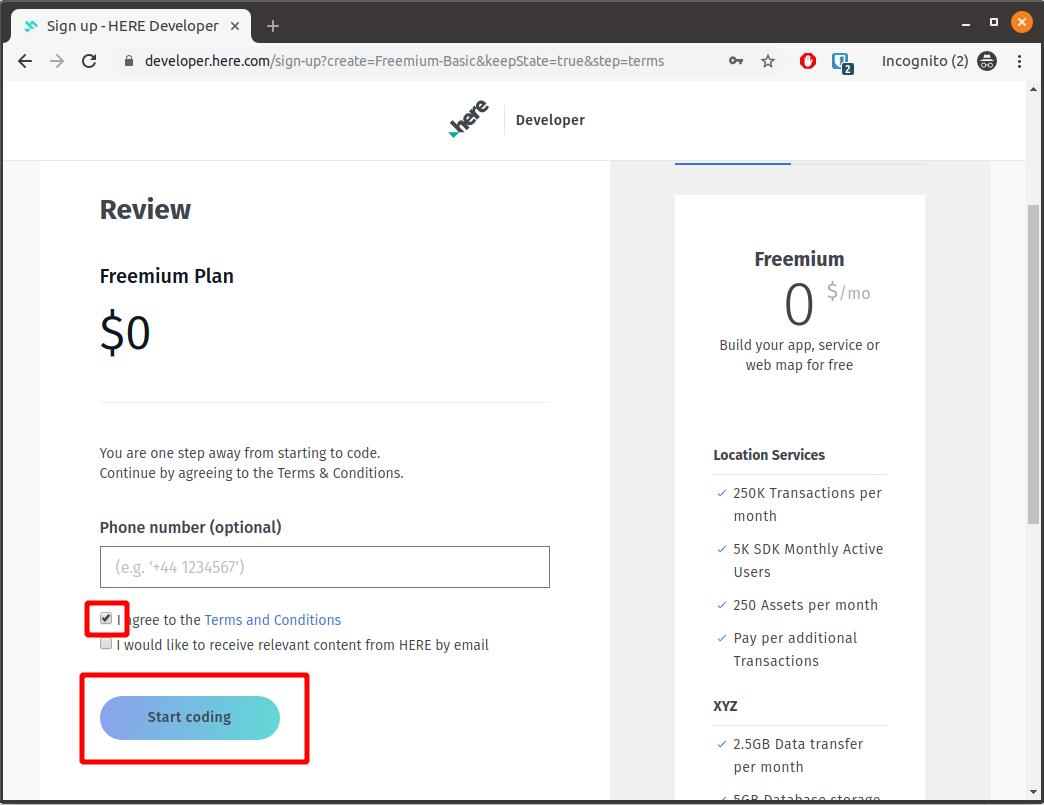
- ⚠️ Verify your email in the received email message. This is important to ensure your API keys don’t expire!
- Click the button Generate App under the REST section.
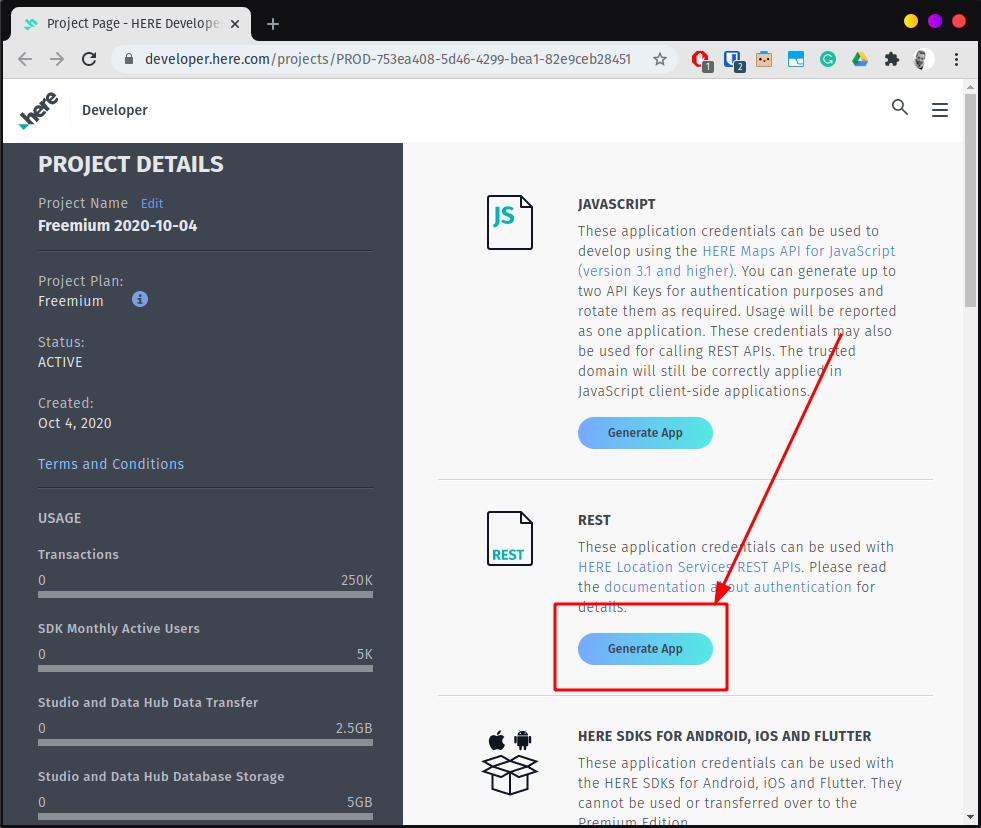
- Click on the button Create API key.
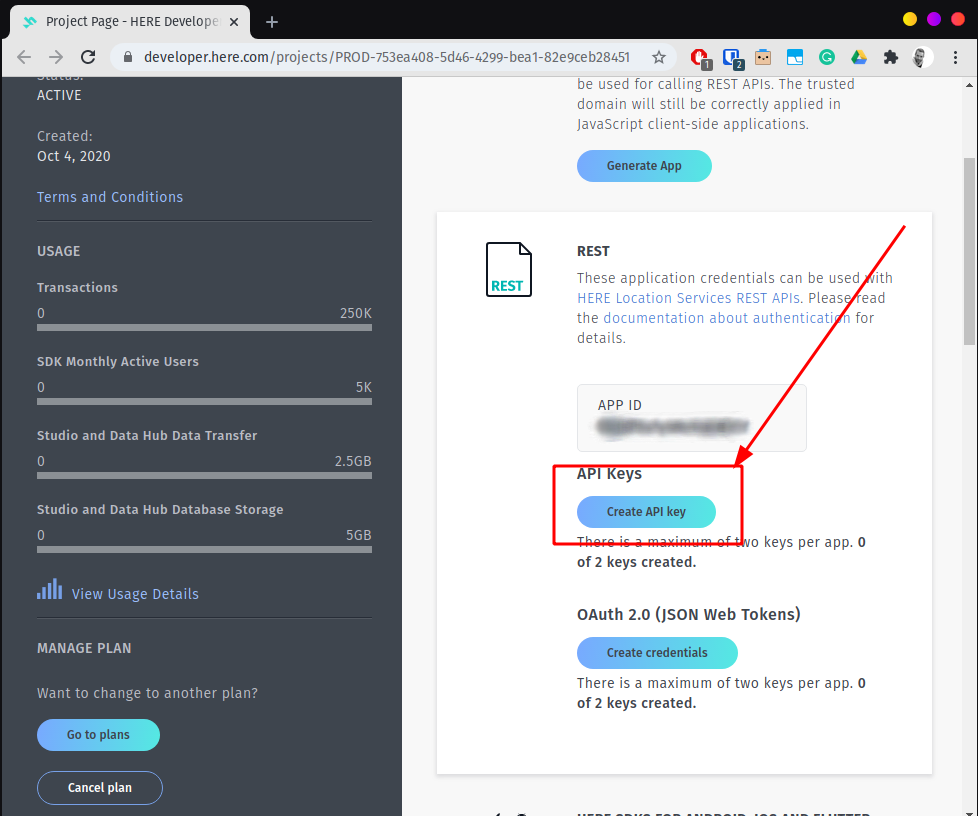
- Once the keys are generated, copy the
API KEY: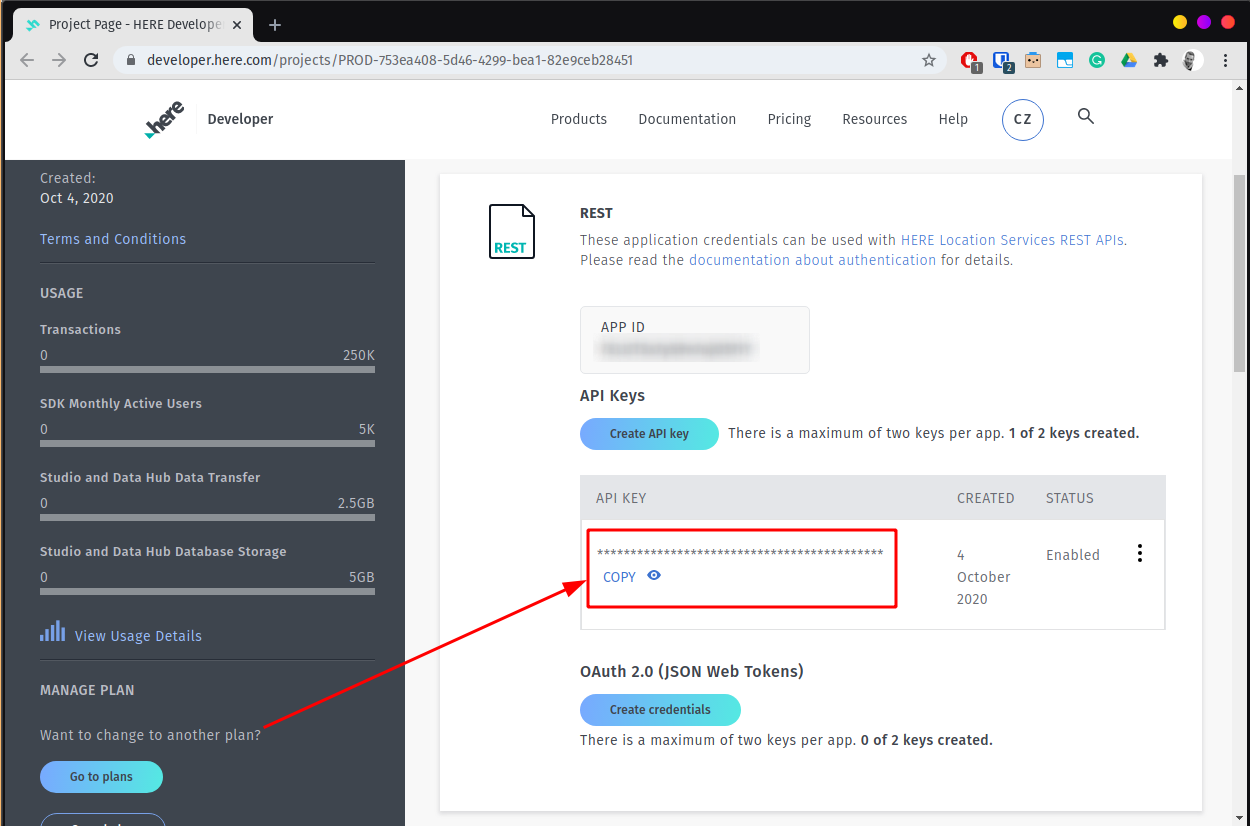
2.2 Call Here API
- The here geocode api documentation shows how we can make an api request.
- Open https://geocoder.ls.hereapi.com/6.2/geocode.json?apiKey={YOUR_API_KEY}&searchtext=annecy+france to see the geocode results for
Annecy, France. - Look into the response to find the
NavigationPositionLatitudeandLongitude.